


AI customer support wired to Telegram
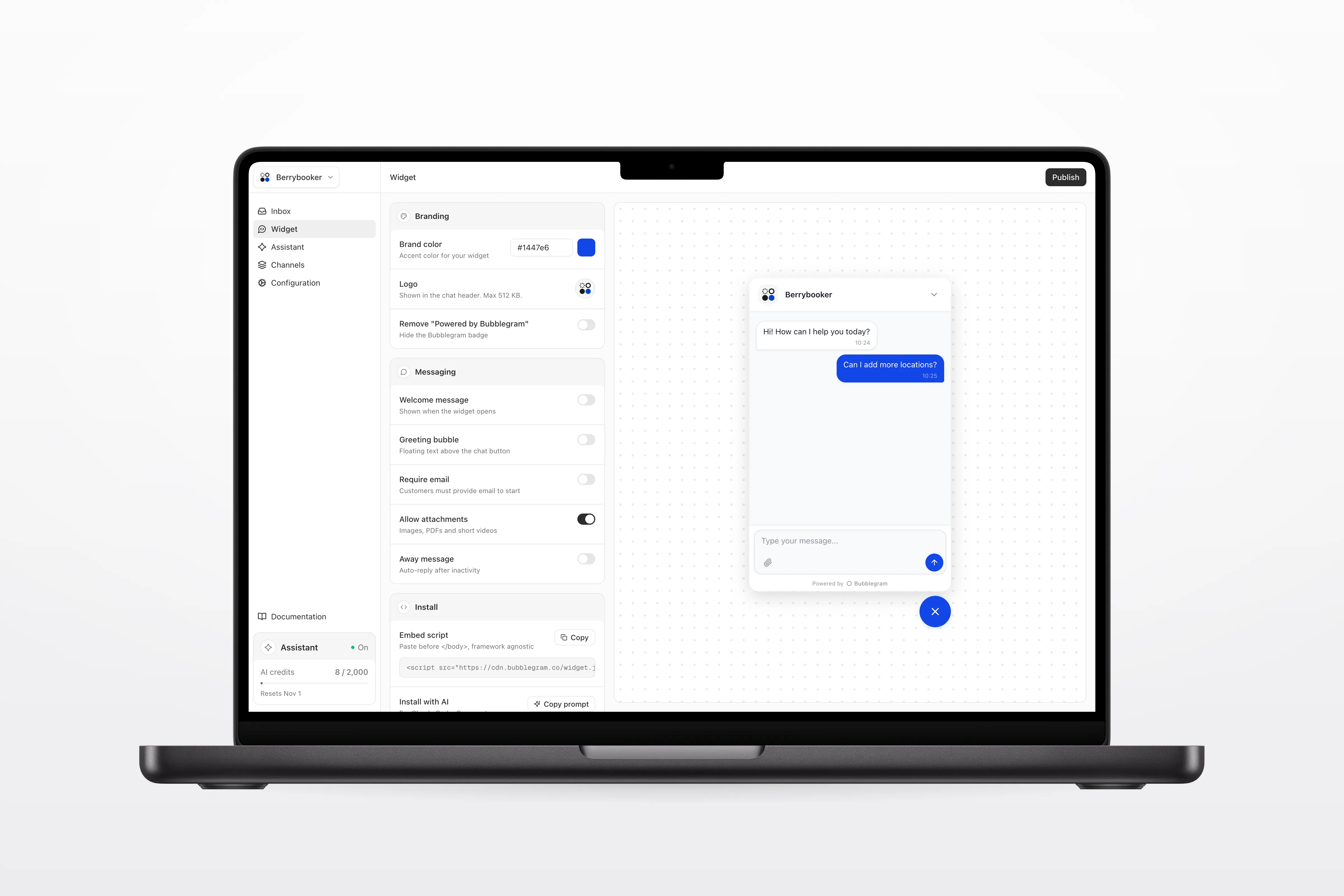
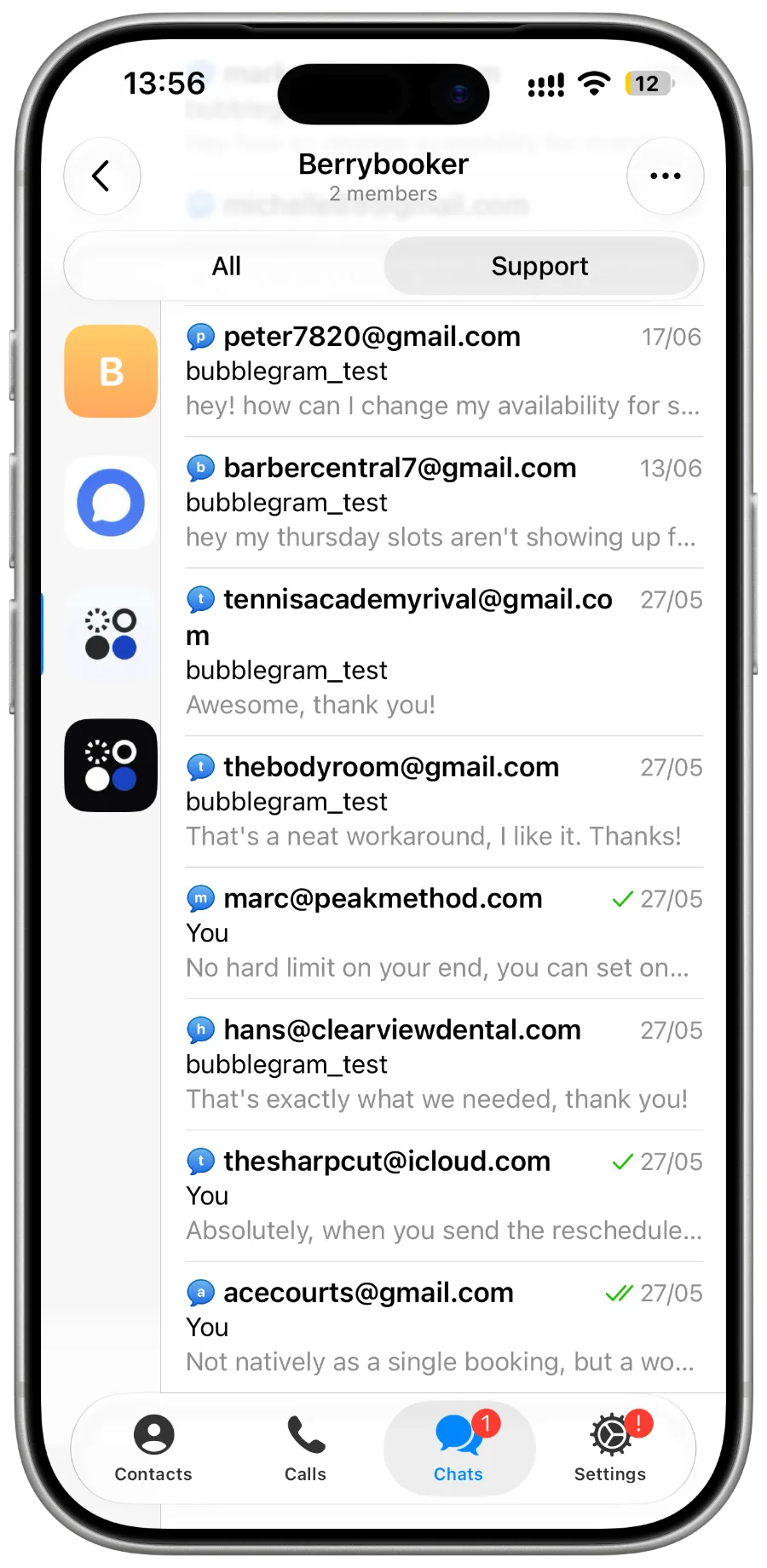
A chat widget and your support inbox, both delivered to Telegram or Slack.Talk to customers from the apps you already use every day.
bubblegram.co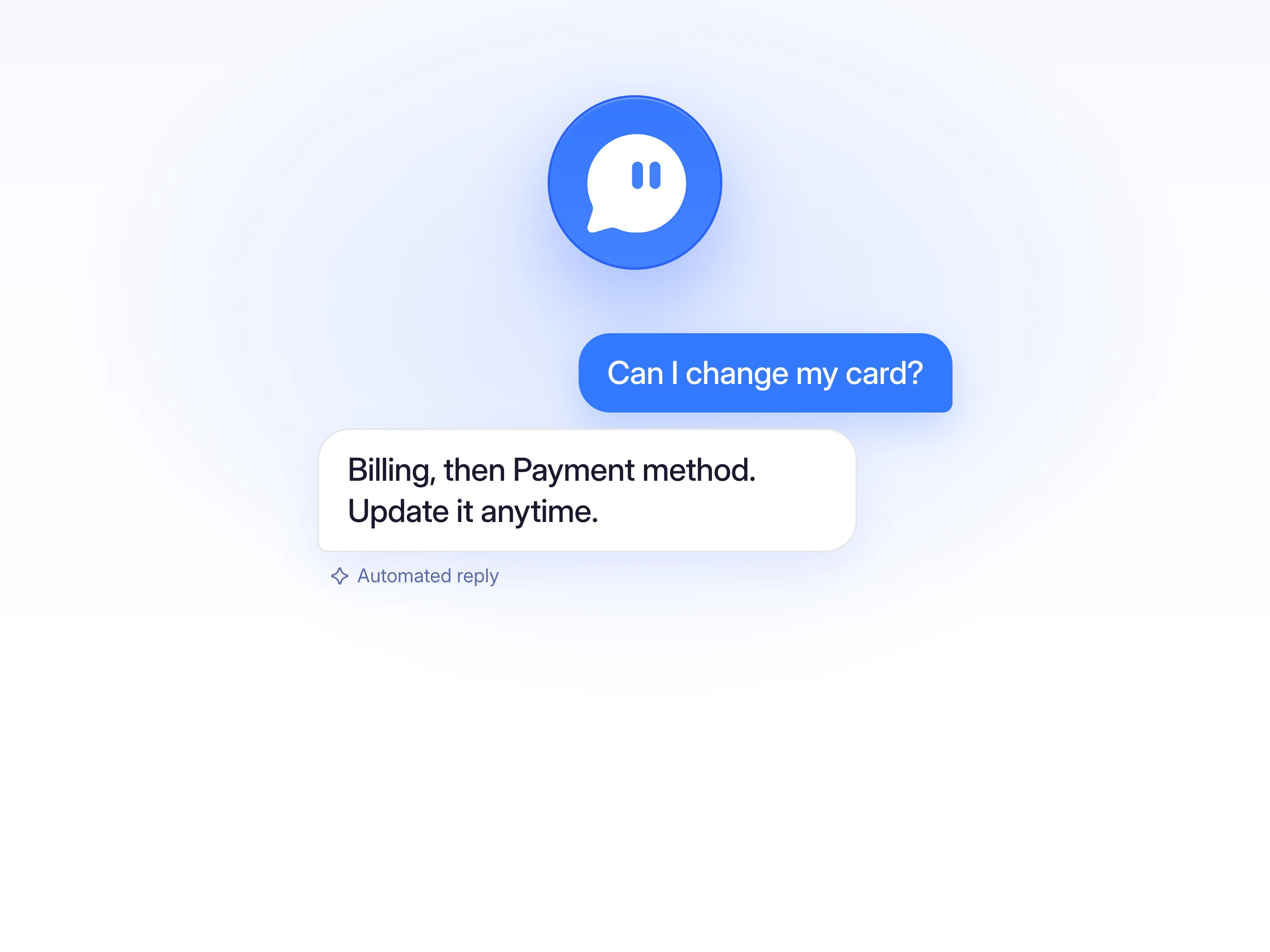
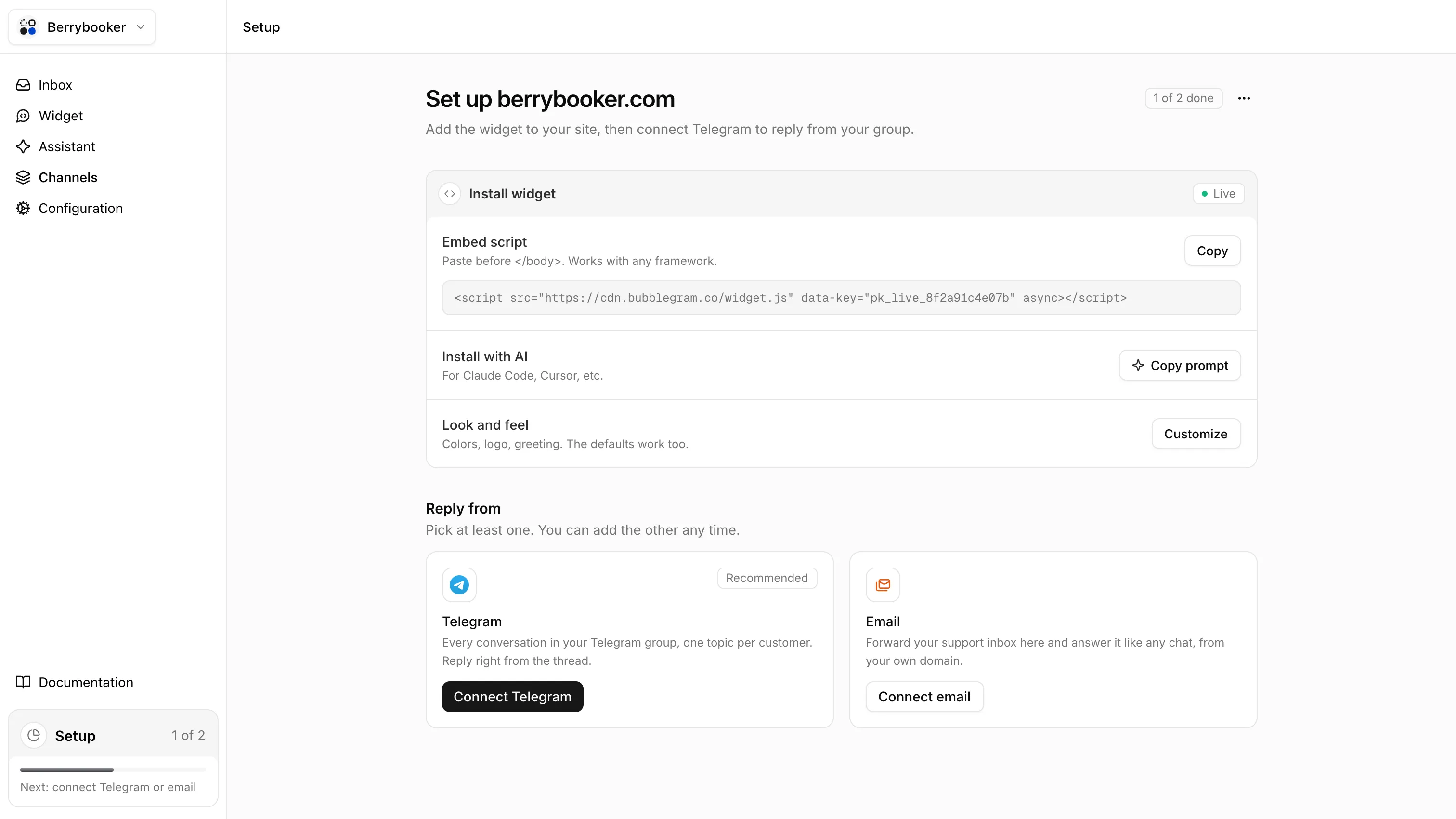
Setup
Assistant
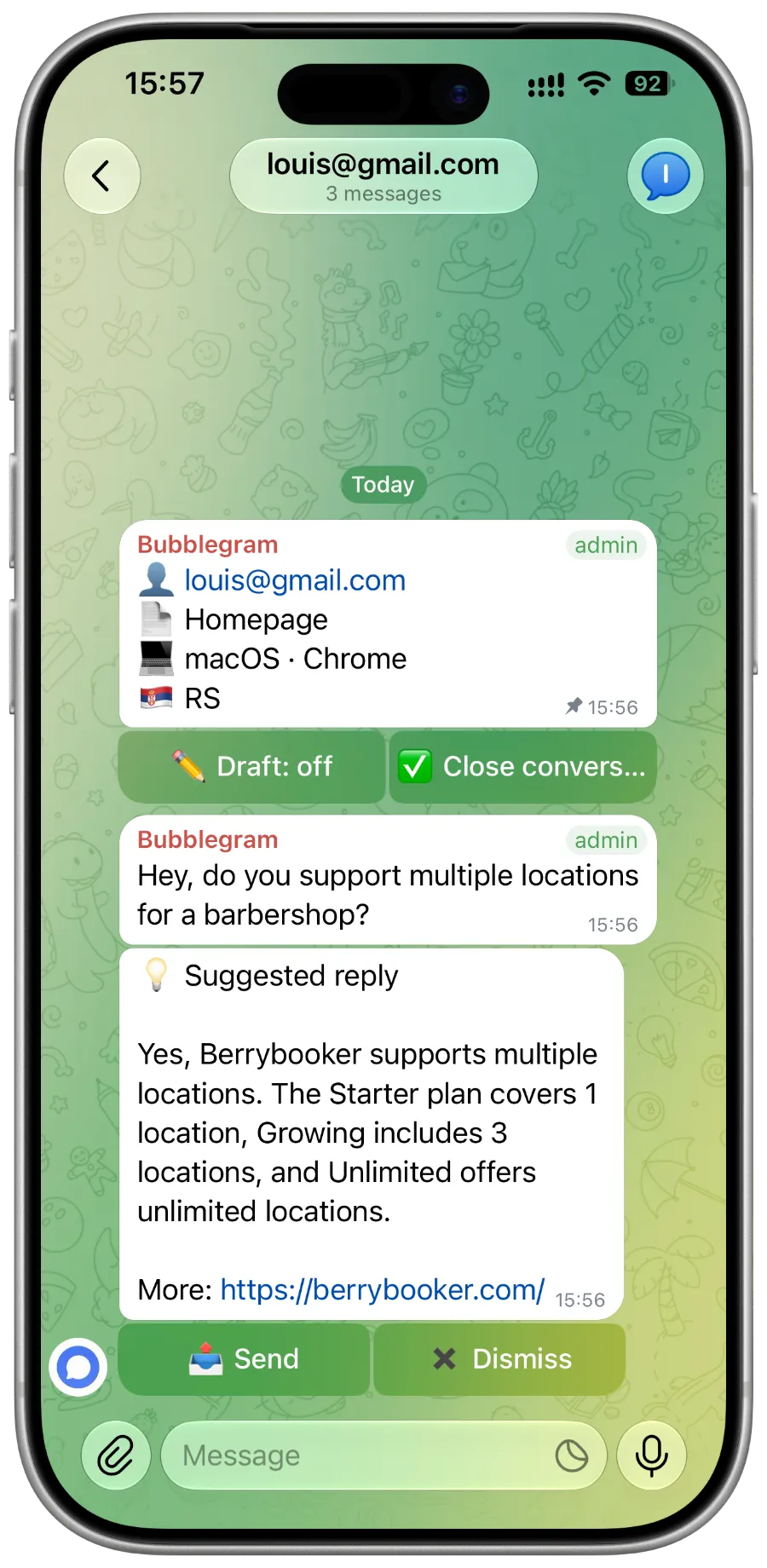
Autopilot or co-pilot
Let the AI reply on its own, or have it draft replies for you to send. You can switch per conversation.
How the assistant worksManage your plan and payment method. Invoices for every plan are in Billing.1 Download any of them as a PDF.
Need VAT on your invoices? Add your VAT number in Billing settings.2 It applies to new invoices.
Refunds are possible within 14 days of purchase.
Can you provide the invoice for my annual subscription?
14:32💡 Suggested reply🪄 Sent automatically
Sure. Your invoices are in Billing: framebox.com/billing.1 For a VAT invoice, add your VAT number in Billing settings.2
14:32Sent to customer
Email without the inbox
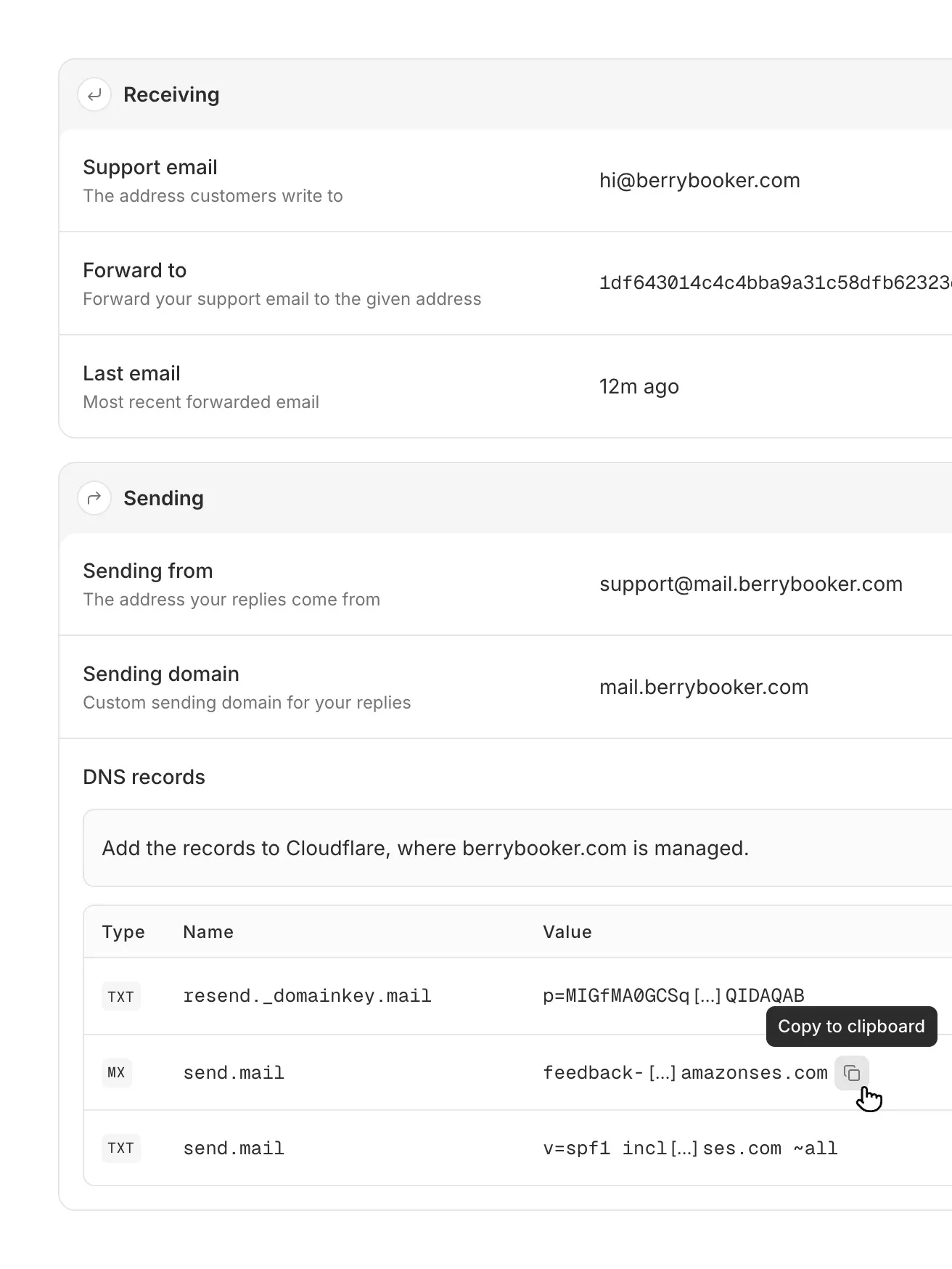
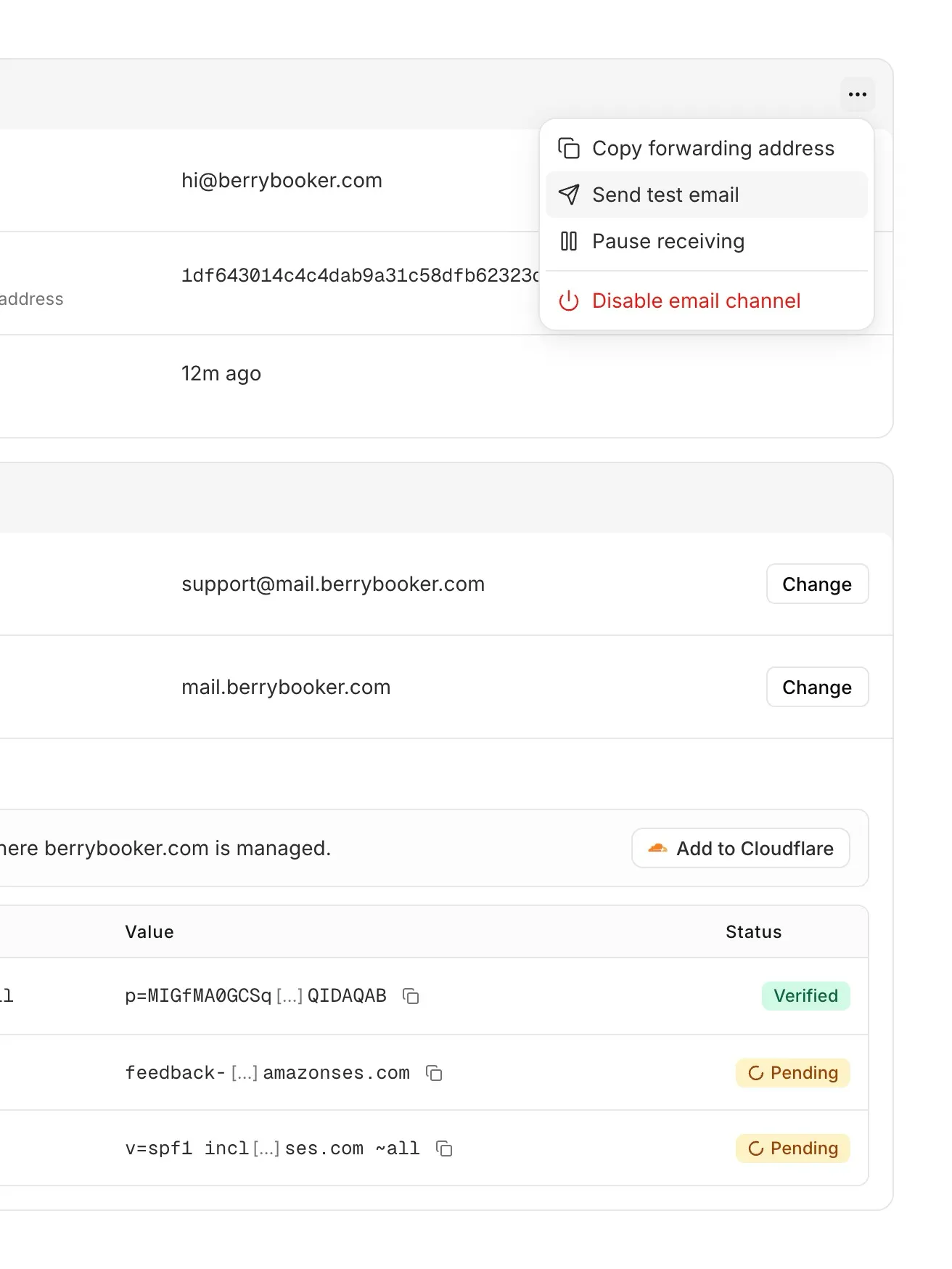
Customers write to your usual support address, and you reply from Telegram or Slack, from your own domain. The tricky part was forwarding, since every email provider hides it somewhere else, so setup walks you through yours.
Engineering lift
- Outgoing messages go through a Redis queue, one at a time. When Telegram or Slack answers with a 429, the queue waits exactly as long as the API asks before retrying. How messages get delivered
- The assistant answers only from crawled pages, notes and your instructions, cites each source, and hands the question to the team when it can't find one.
- Email comes in through forwarding and goes out from the customer's own domain. A token in the Reply-To keeps every reply in the right thread.
